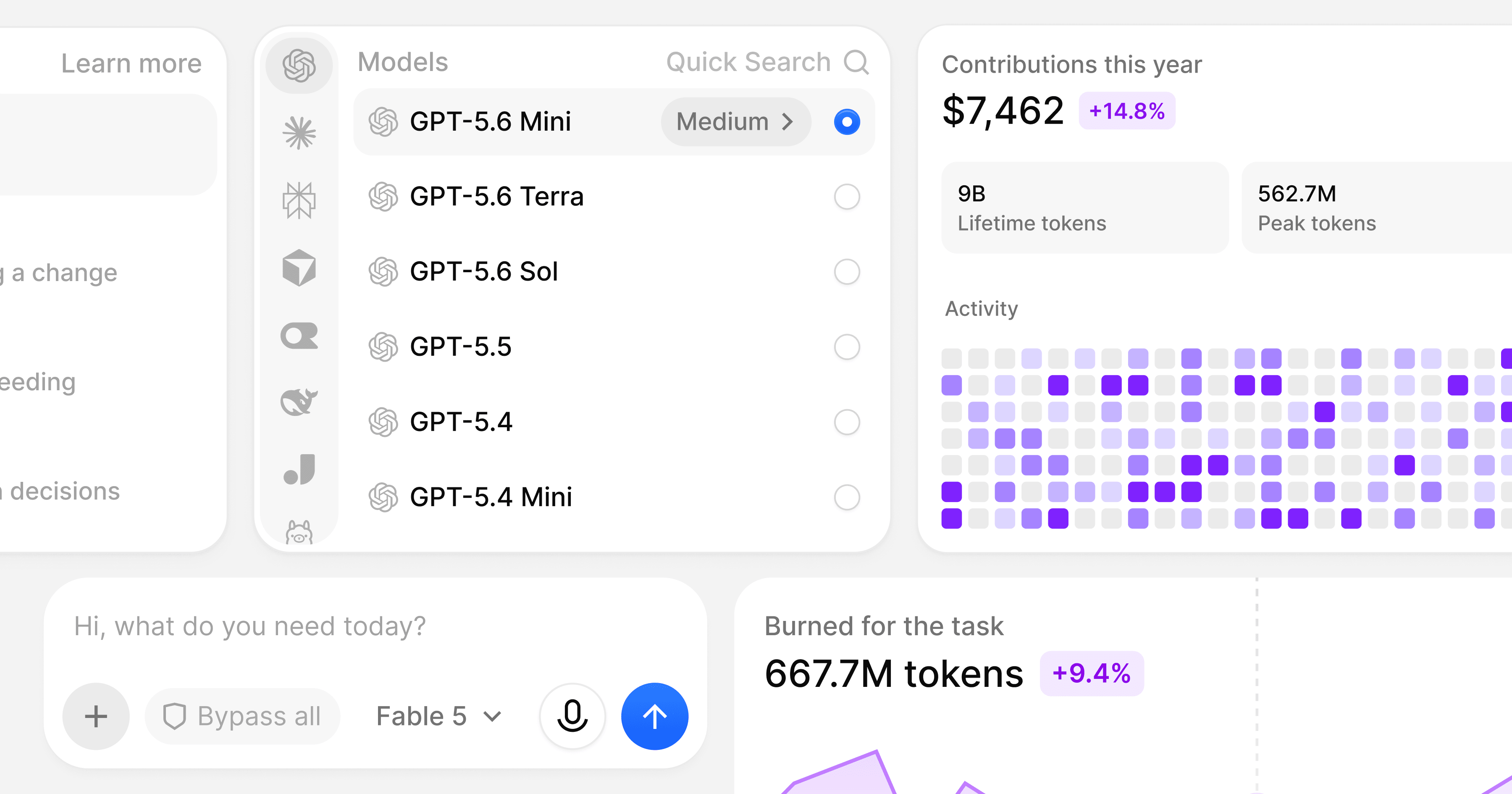
The 10 best React design systems and component libraries in 2026
Compare the 10 best React design systems in 2026: what each one is best for, key features, pros and cons, and pricing. BoardUI is our product and our pick.
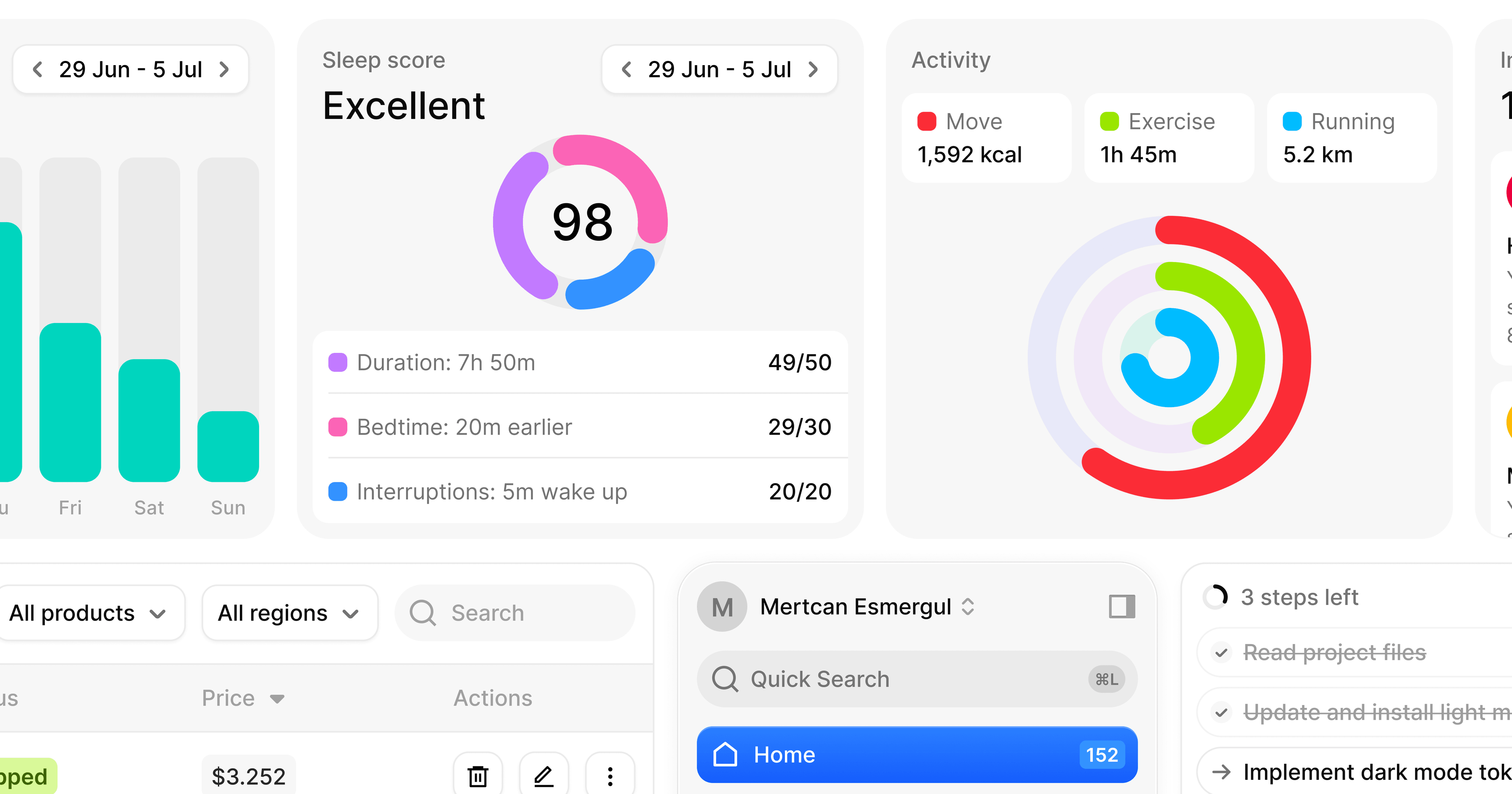
We built the same settings dialog with 10 React design systems, our own BoardUI among them. axe, an automated accessibility checker, flagged at least one issue in eight of the ten builds, ours included, and most of those issues were text contrast.
Six of the ten get over 400k npm downloads a week: shadcn/ui, HeroUI, Mantine, Chakra UI, Ant Design and PrimeReact. BoardUI, Untitled UI React, affectUI and beUI are newer, and all four copy their source into your repo. BoardUI sits first as our pick, and each library gets a short note on what we noticed when we built its dialog.
What is a React design system?
A React design system is a set of ready-made components, such as buttons, inputs, dialogs and tables, plus the decisions that tie them together: tokens, the named values for color, type, spacing and motion, and the rules for using them. A component library leaves those decisions to you, and most libraries on this list sit somewhere between the two.
A good one lets you assemble screens from finished parts and spend your time on features. Every screen draws on the same tokens, so colors and spacing match across your product.
What to look for in a React design system
- An accessible foundation: a headless library, one that ships behavior with no styling, such as React Aria Components, Base UI or Radix. It handles focus, keyboard use and ARIA, the labels and roles a screen reader reads. When the library gets those right, you don't have to build them.
- A modern stack: React 19, TypeScript and Next.js support, with styling that fits your team, from Tailwind CSS v4 to CSS-in-JS.
- Theming and dark mode: one set of tokens you can edit for both themes and your brand color, with light or dark mode following the user's system setting.
- Copy-in or npm: copying the source into your repo lets you edit every line, though you merge upstream fixes yourself. Choose an npm package if you want fixes to arrive as updates and can live with changing only what its props and styles expose.
- AI and agent support: an official MCP server, which lets an AI tool look up a library's components and docs, and an llms.txt file, a plain-text guide to the docs written for AI tools. Through the server, coding agents such as Claude Code and Cursor can find and install the components.
- Design files: a Figma kit that matches the code, if your designers work in Figma.
How we chose the best React design systems
To make this list, a library needed active maintainers, support for React 19 and Next.js, and an official MCP server. BoardUI comes first because it's ours and our pick. We put the other nine in order ourselves, judging how finished the components look by default, how accessible they are, how easy they are to theme and edit, and what they offer for AI and agent screens.
For a hands-on check, we built the settings dialog on 30 and 31 October 2026: a form with a text field, a select, a switch and a toast, in one violet accent (#7C3AED) with dark mode that follows the system. Each build followed that library's own docs. We checked every dialog with axe and with twelve scripted keyboard and ARIA checks, such as whether Escape closes the dialog and focus returns to the button that opened it. Both ran in Chromium; we didn't run a screen reader. Only affectUI and beUI came back clean from axe, though most of affectUI's dialog was shadcn/ui's and axe couldn't read its button labels. We also weighed the compressed HTML, JavaScript and CSS that each build's page downloads on load. The "What we noticed" note under each library comes from that build. We checked stars, downloads and prices on the day of each build.
Our test also found setup problems in BoardUI: the CLI reported success after writing nothing when no terminal was attached, the docs' color tool missed the exact brand color, and the setup guide never loaded the Inter font. We fixed those, released CLI 0.5.9, and built BoardUI's dialog again on 31 October. Before that second build we also gave BoardUI's Select a label prop and its Input an errorMessage prop, two gaps the first build had worked around. Both builds passed all twelve checks, axe flagged the same error text in each, and both pages weighed 273 KB. The second build differed in two places. The corrected violet raised the hovered Save button's lowest contrast from 3.2:1 to 4.1:1, and after a failed save, focus moved to the Name field, where the first build had left it on Save. BoardUI's notes come from that second build. The other nine libraries stayed on the versions we first installed, so none of them got fixes from their makers after we found their problems.
Comparison table: the 10 best React design systems at a glance
| # | Library | Best for | Built on | Free version | Price |
|---|---|---|---|---|---|
| 1 | BoardUI (ours) | AI and agent products, dashboards | React Aria, Tailwind CSS v4 | Yes | Pro from €149, one-time |
| 2 | shadcn/ui | Owning every line of your own system | Base UI, Radix or React Aria; Tailwind CSS v4 | Yes | Free |
| 3 | Untitled UI React | Teams designing in the Untitled UI Figma kit | React Aria, Tailwind CSS v4 | Yes | PRO from $349, one-time |
| 4 | HeroUI | A finished React Aria look, installed from npm | React Aria, Tailwind CSS v4 | Yes | Pro from $299, one-time |
| 5 | affectUI | Agent components next to shadcn/ui | Its own, CSS in each component | Yes | Pro from $199, one-time ($249 from 6 November) |
| 6 | Mantine | 121 free core components, with hooks and forms | Its own, CSS modules | Yes | Free |
| 7 | Chakra UI | Styling with props and tokens in TypeScript | Ark UI, Emotion | Yes | Pro blocks from $299, one-time |
| 8 | Ant Design | Admin tools, plus AI chat with Ant Design X | Its own, CSS-in-JS | Yes | Free |
| 9 | beUI | Animated components and free AI screens | Its own, Tailwind CSS v4 | Yes | Pro $129 a year or $179 one-time |
| 10 | PrimeReact | 78 styled components in one package | Its own, CSS-in-JS | Small teams only | $599 per developer, one-time (launch price) |
In the "Built on" column, the first name is the layer that handles keyboard and screen reader behavior, and the second is how styles reach the page. Tailwind CSS and CSS modules ship plain CSS files, while Emotion and other CSS-in-JS libraries write styles from JavaScript as the page loads.
1. BoardUI (our pick)
- Website
- boardui.com
- GitHub
- BoardUI/boardui
- GitHub stars
- 679
- npm downloads
- 8.5k total (CLI runs)
- License
- MIT free tier, commercial Pro
- Pricing
- Free; Pro €149 to €349, one-time
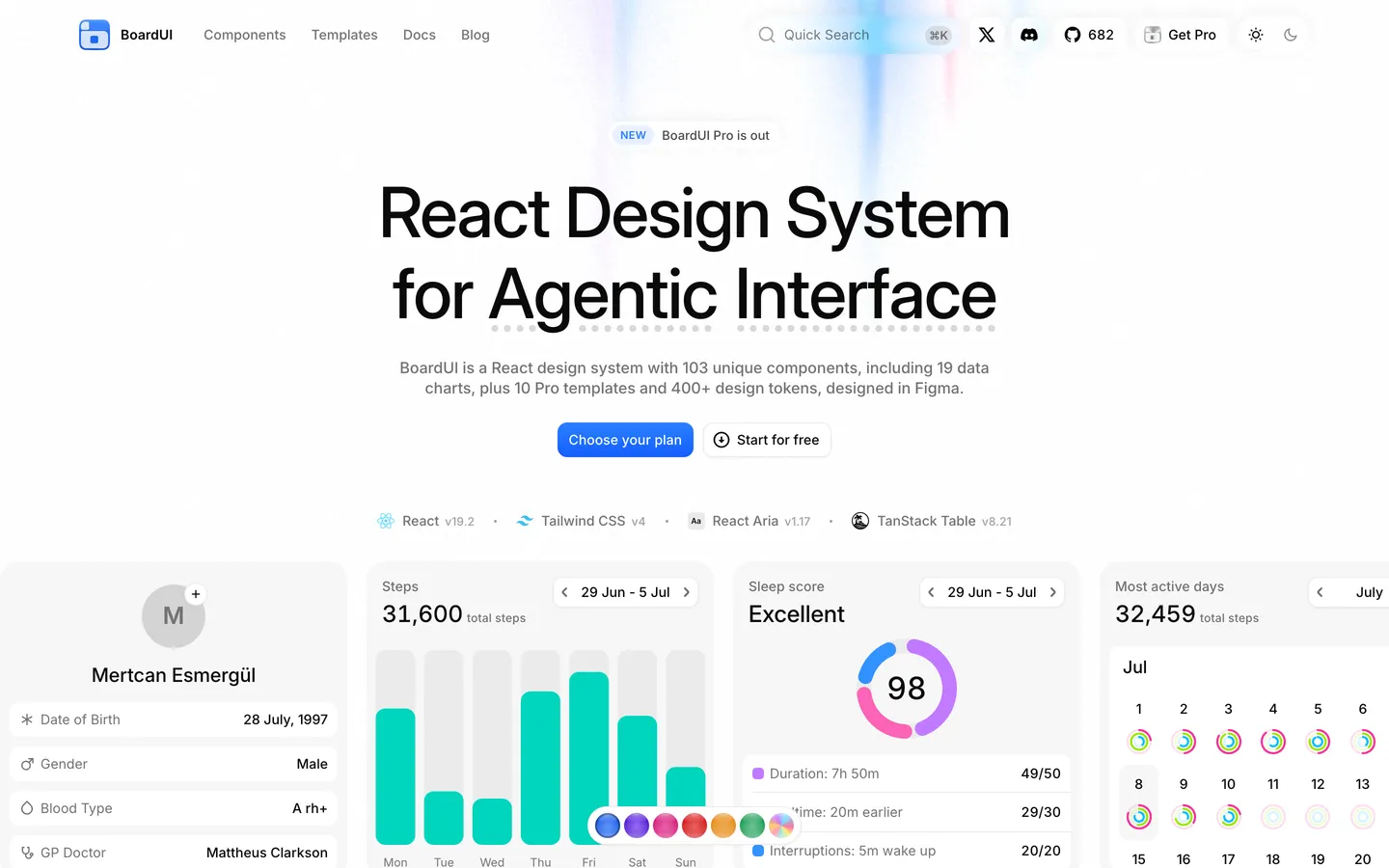
We built BoardUI, our React design system for agentic products, around the agent layer: the screens an AI product needs beyond a chat box. Underneath are React Aria Components and Tailwind CSS v4. The boardui CLI installs components, and Claude Code or Cursor can do the same through BoardUI's MCP server. It has 103 components, chart cards and blocks included, 73 of them free, all designed in-house in Figma on the same 400+ tokens the code uses.
Next to forms, overlays and charts, BoardUI has a composer with a model picker, thinking and progress states, task lists, research trails, usage limits and multi-agent chat. Our post on agentic UI components walks through each one. Composer Attachments, part of Pro, shows the composer carrying files: image and document tiles land above the prompt one after another, with an upload ring drawing around each.

BoardUI key features
- Agent screens: a composer, agent thinking, task list, web search, questionnaire, agent limits and multi-agent chat, most of them in Pro.
- React Aria Components underneath: its dialogs, menus, selects and form fields get keyboard, focus and screen reader behavior from Adobe's accessibility library.
- Tailwind CSS v4 and design tokens: 400+ tokens in plain CSS, and one 11-step accent ramp that re-tints buttons, form controls, tabs and focus rings in light and dark.
- Source in your repo: the CLI copies each component's code into your project, so you can change any line.
- MCP server and agent rules: your coding agent can list, read and install components, and
initadds BoardUI's design rules for Cursor and your AGENTS.md. - Dashboards and charts: 19 chart cards, a free data table on TanStack Table, and a free data grid with editable cells, filters and CSV export.
- Pro launch prices, paid once: €149 with a year of updates, €199 for lifetime updates, or €349 for up to five developers.
Pro adds full dashboards and templates, such as this marketing dashboard:
Pros
- Finished agent screens and templates, including multi-agent chat
- The CLI or your coding agent puts editable source in your repo
- React Aria handles keyboard and focus, so your team doesn't write that code
- Dashboards and charts that match the rest of BoardUI
- You pay for Pro once
Cons
- Most agent components, 17 of the 19 chart cards and all templates but Chat Starter need Pro
- A heavier page than most: 273 KB in our test, third heaviest of the ten
- No Figma kit for customers
- Still new: the CLI first shipped in July 2026, and the repo has 679 GitHub stars
What we noticed: our second build, on CLI 0.5.9, passed all twelve keyboard and ARIA checks, but axe still flagged the error text at 3.8:1 contrast in light mode, below the 4.5:1 that WCAG AA asks for. axe can't read text on a gradient, so we measured the Save button from screenshots: with the pointer on it, part of its white label fell to 4.1:1.
Best for: building AI or agent products, or dashboards, from finished screens and code you own.
2. shadcn/ui
- Website
- ui.shadcn.com
- GitHub
- shadcn-ui/ui
- GitHub stars
- 127k
- npm downloads
- 16.7M/week (CLI)
- License
- MIT
- Pricing
- Free
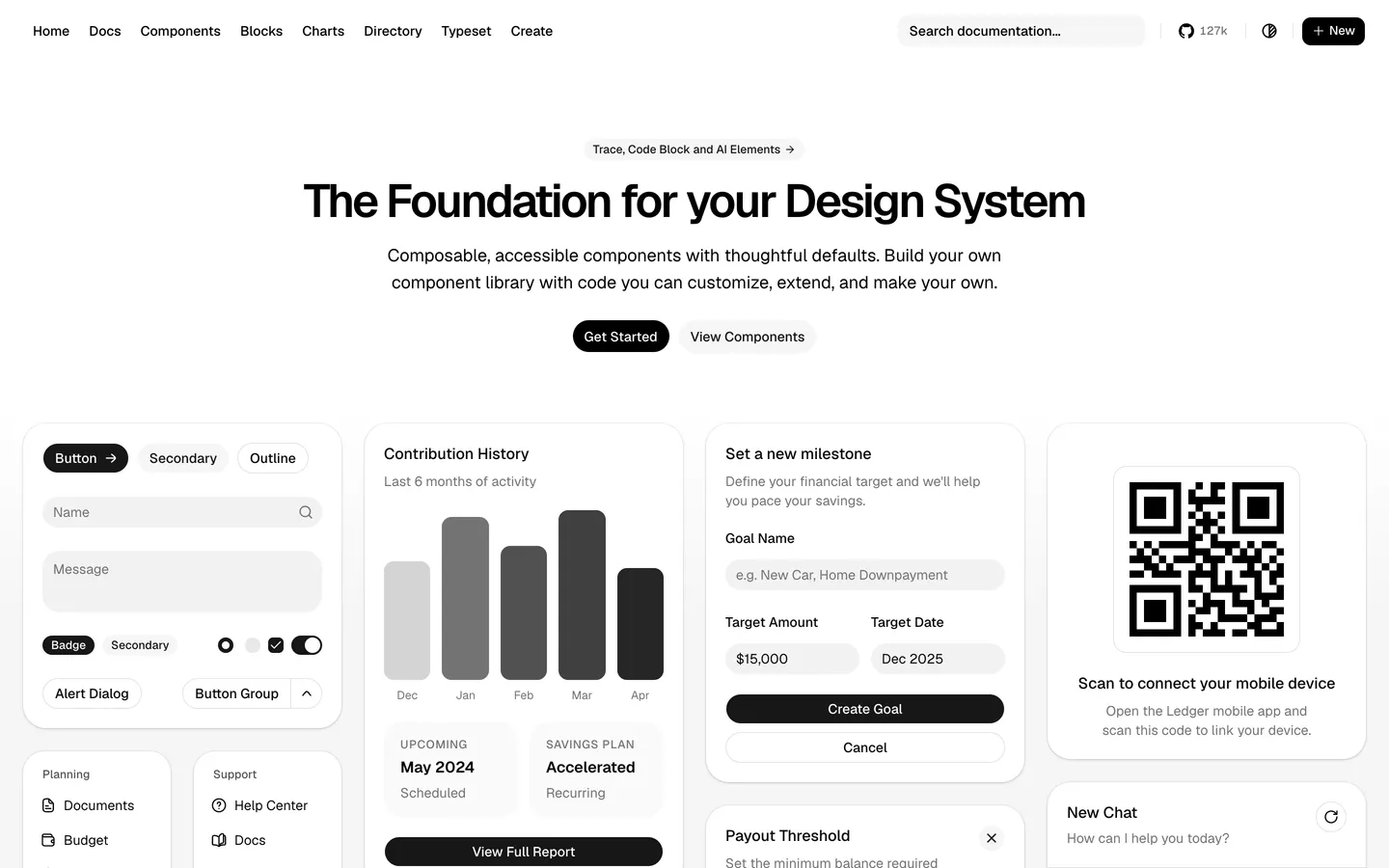
shadcn/ui is one of the most common starting points for a custom React design system. Its CLI copies each component into your repo, already styled with Tailwind CSS v4, on a headless base you pick at setup: Base UI (the default since July 2026), Radix or React Aria.
shadcn/ui added chat components in June 2026 and AI Elements in October. Its 66 components include chat parts such as Message, Bubble and Attachment, and AI Elements adds 21 copy-in patterns for prompts, reasoning, tool calls and sources.
shadcn/ui key features
- You own the code: every component is a file in your repo.
- Pick your foundation: Base UI, Radix or React Aria, chosen when you set up the project.
- AI Elements: 21 patterns for chat and agent interfaces, free.
- Blocks: copy-in layouts, such as a dashboard with charts and a data table.
- MCP server and skill:
npx shadcn@latest mcplets your coding agent browse and add components, and the skill gives it written instructions for working with them.
Pros
- Every component is yours to change
- The largest community here, with 127k GitHub stars
- Free AI Elements for chat and agent screens
- The third lightest page of the ten, at 221 KB
Cons
- You assemble and maintain the system yourself
- shadcn/ui doesn't link field errors to their inputs by default
- Your designers rely on community-made Figma kits
What we noticed: setup took three commands. The field error showed, but it wasn't linked to its input, so a screen reader returning to the field won't read it, and axe flagged the Save button's hover color at 3.8:1.
Best for: owning every line of a system you design.
3. Untitled UI React
- Website
- untitledui.com
- GitHub
- untitleduico/react
- GitHub stars
- 2k
- npm downloads
- 5.5k/week (CLI runs)
- License
- MIT free tier, commercial PRO
- Pricing
- Free; PRO from $349, one-time
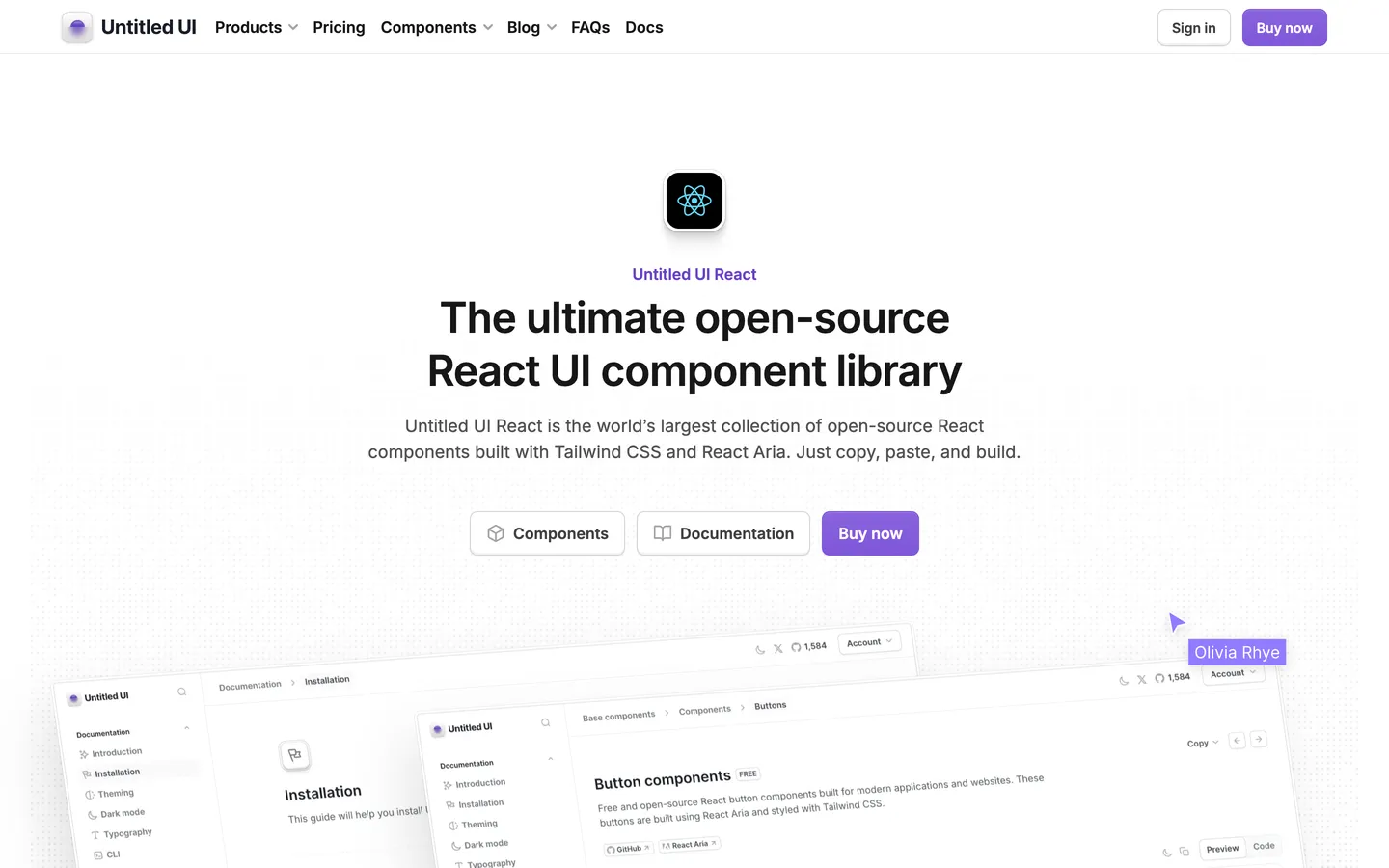
The Untitled UI Figma kit has a React counterpart: Untitled UI React, built on React Aria Components and Tailwind CSS v4. If your designers already work in that kit, your designs and your code share one source.
The free tier covers most base components, such as buttons, inputs, selects and toggles, plus 13 of the 37 application categories, tables and charts among them. PRO adds the other application screens, marketing sections and page examples, as a one-time purchase per team size.
Untitled UI React key features
- A matching Figma kit: a free kit and a PRO kit that mirror the components.
- Built on React Aria: accessible behavior under its interactive components.
- Copy-in source:
npx untitledui@latestputs the code in your repo. - Free tables and charts: among the 13 application categories you get without PRO.
- MCP endpoint and agent rules: an official remote MCP server and an AGENT.md file for coding agents.
Pros
- Design and code stay in sync through the Figma kit
- React Aria accessibility, with the component source in your repo
- PRO adds the other 24 of its 37 application categories
Cons
- The toast and styled modals need PRO
- It ships no free AI components, and chat UI is PRO only
- Right-to-left layouts need a migration command
What we noticed: the title, padding and toast in our build were our own, because the free tier had only a bare modal shell and no toast. The dialog passed all twelve keyboard and ARIA checks, and axe flagged the select placeholder at 4.2:1 in dark mode.
Best for: design teams working from the Untitled UI Figma kit.
4. HeroUI
- Website
- heroui.com
- GitHub
- heroui-inc/heroui
- GitHub stars
- 31.1k
- npm downloads
- 1.1M/week
- License
- Apache-2.0
- Pricing
- Free; Pro from $299, one-time
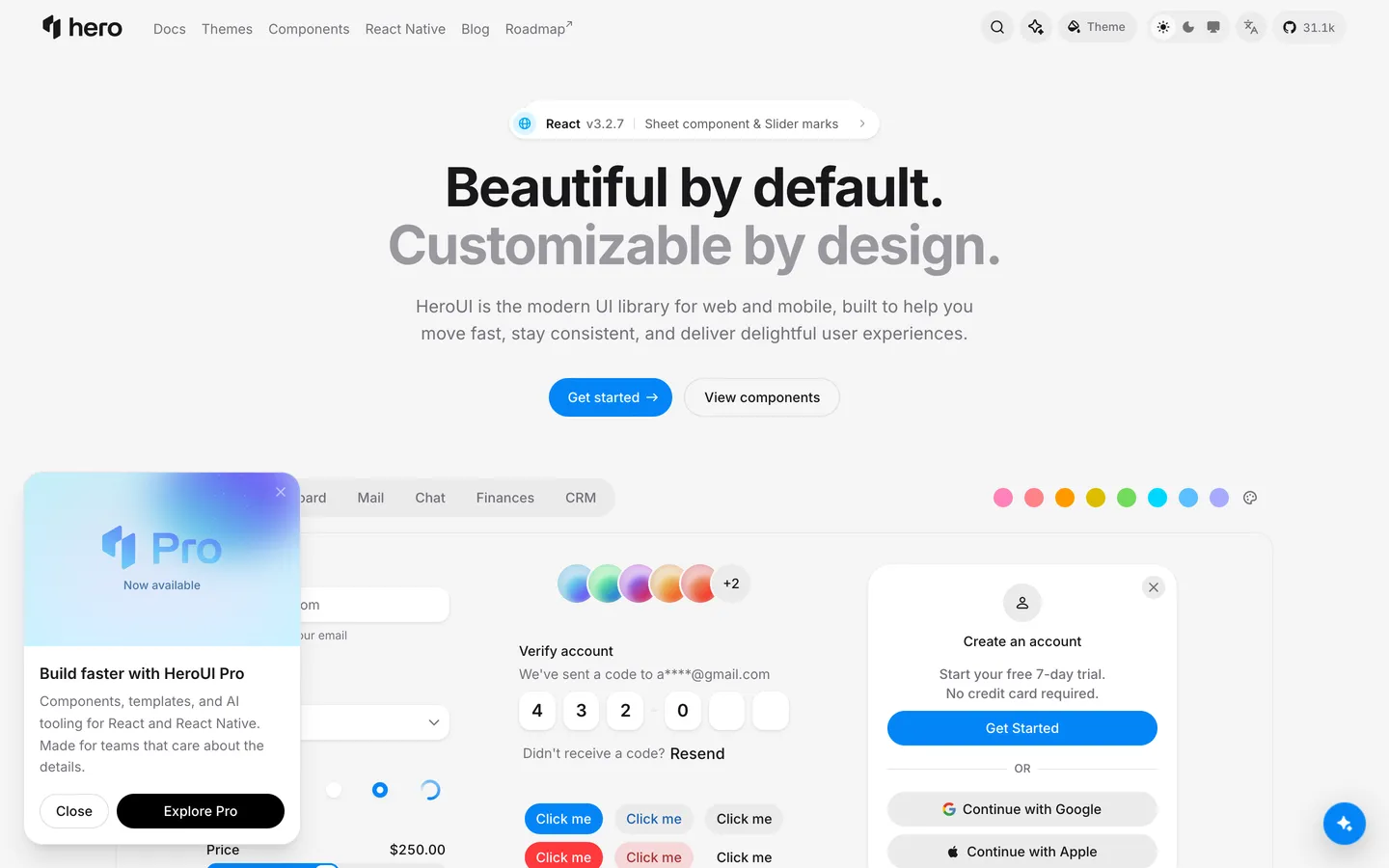
HeroUI puts React Aria's accessibility in an npm package, and its components work without wrapping your app in a provider. Once called NextUI, it rebuilt version 3 on React Aria Components and Tailwind CSS v4, with styling through CSS variables and classes. It has 73 open-source components, and HeroUI Pro adds 65 more, among them 14 AI and chat components such as Prompt Input and Chain Of Thought.
HeroUI key features
- React Aria foundation: keyboard, focus and screen reader behavior from Adobe's library.
- Tailwind CSS v4 theming: OKLCH color variables, so the accent changes with three lines of CSS.
- npm updates: new versions arrive as package updates, with no code to merge.
- Agent integrations: an official MCP server and a skill for coding agents.
- Free Figma kit: HeroUI's own kit for version 3, free on Figma Community.
Pros
- Looks finished on install
- Form validation, focus and error linking work straight from the docs
- Updates install from npm
- HeroUI publishes its Figma kit for free
Cons
- AI and chat components require Pro
- Component code stays in the npm package, outside your repo
- The recommended setup loads every component's CSS, 42 KB in our test
What we noticed: validation worked from the docs' first example, and all twelve keyboard and ARIA checks passed. axe flagged the error text's contrast in both themes.
Best for: React Aria accessibility with a finished look, in a package you update from npm.
5. affectUI
- Website
- affectui.com
- GitHub
- flohoeller/affectui
- GitHub stars
- 411
- npm downloads
- Not on npm
- License
- MIT free tier, commercial Pro
- Pricing
- Free; Pro from $199, one-time ($249 from 6 November)
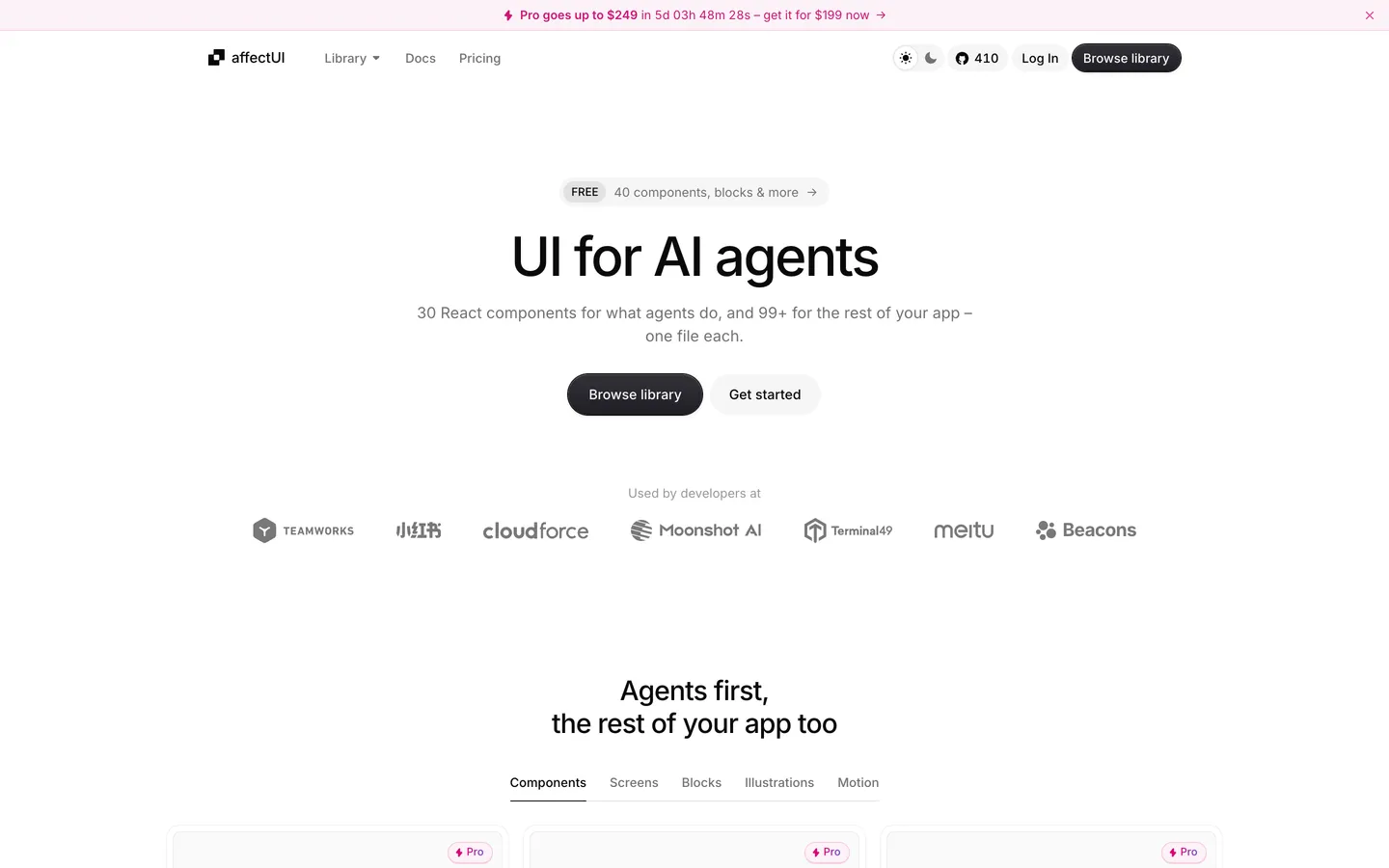
Each affectUI component is a single file that carries its own CSS and dark mode, written on native HTML elements with no headless library or Tailwind CSS underneath.
You'd install it for the agent parts: of its 71 components, 30 are for agents and 10 for chat. The catalog adds 15 screens, 11 blocks, 24 illustrations and 8 motion effects, for 129 items in all. Of those, 40 are free, among them 17 illustrations, Thinking Loader and Tool Call Card. affectUI has no dialog, text field, select or switch, free or Pro, and its compare pages recommend shadcn/ui for forms and dialogs.
affectUI key features
- Agent and chat components: 30 for what agents do and 10 for chat, such as Thinking Loader and Tool Call Card.
- One file per component: each carries its own CSS and dark mode, with no Tailwind CSS or styling library to install.
- Install with the shadcn CLI or MCP: the source is copied into your repo, and the official MCP server can hand it to your coding agent.
- Illustrations and motion: 24 illustrations, 17 of them free, and 8 motion effects.
- Pro with lifetime updates: $199 for one person, rising to $249 on 6 November, or $499 for a team of ten, paid once.
Pros
- 40 of its 71 components are for agents or chat
- Each component is one file, CSS and dark mode included
- Works without Tailwind CSS
- Lifetime updates for one Pro payment
Cons
- No dialog, text field, select or switch, so forms need another library
- The toast is Pro, and its free stand-in, the Notification Stack, doesn't announce itself to screen readers
- No Figma kit to design with
- One contributor and 411 GitHub stars, on a repo started in October 2026
What we noticed: we built the dialog, text field, select and switch with shadcn/ui, as affectUI's compare pages suggest, so most of the dialog is shadcn/ui's and its page weight nearly matches the shadcn/ui build. axe found nothing, but it can't read affectUI's button labels, because each one carries a shimmer layer, so we measured them from screenshots: they passed at the hover shade we set, which affectUI leaves to you. Ten of the twelve keyboard and ARIA checks passed: as in the shadcn/ui build, the field error wasn't linked to its input, and the free Notification Stack we used as the toast isn't announced to screen readers.
Best for: shadcn/ui projects that need agent components, one file each.
6. Mantine
- Website
- mantine.dev
- GitHub
- mantinedev/mantine
- GitHub stars
- 31.9k
- npm downloads
- 3.7M/week
- License
- MIT
- Pricing
- Free
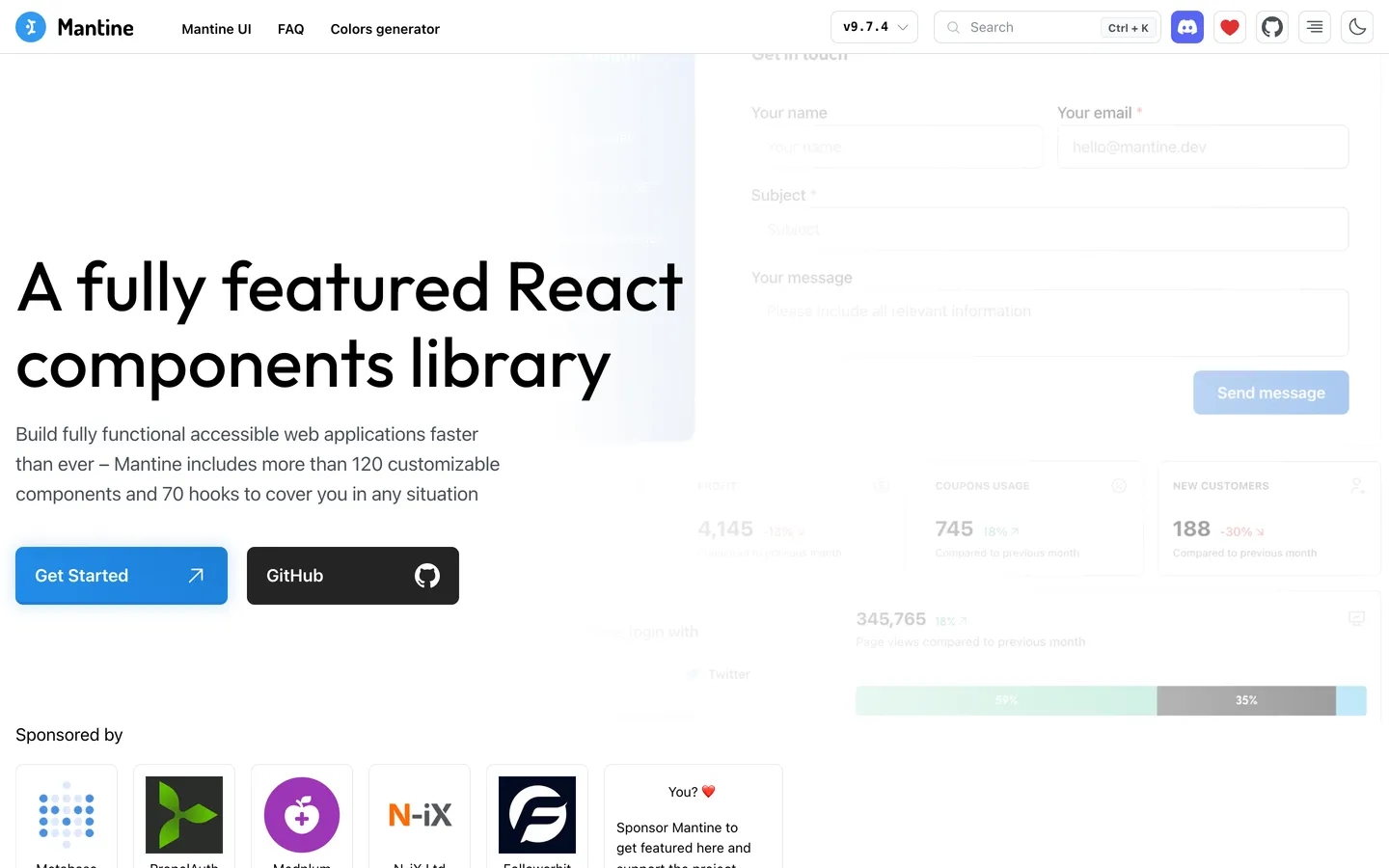
Mantine's 121 core components come free, along with hooks, forms, notifications and 22 chart components, 16 of them on Recharts, a charting library. Its styles ship as plain CSS files.
Mantine key features
- 121 core components: inputs, overlays, navigation, data display and more.
- Hooks and forms:
@mantine/hooksand@mantine/form, from the same team. - Charts: 22 chart components, 16 of them built on Recharts.
- Dark mode with one setting:
defaultColorScheme="auto"follows the system. - An MCP server package:
@mantine/mcp-serverand three agent skills.
Pros
- 121 core components, charts, hooks and forms for free
- Ships 200 KB of JavaScript, the least in our test
- Dark mode takes one setting
- The browser runs no styling library
Cons
- Mantine makes no Figma kit
- No components for AI screens
- npm installs the source outside your repo
- The full stylesheet adds 36 KB of CSS
What we noticed: every keyboard and ARIA check passed, and the page carried the least JavaScript of the ten. Contrast was where Mantine slipped, with the select's placeholder at 2.1:1 and axe flagging the error text in both themes.
Best for: covering most needs with one free kit, if you don't plan to edit the component code.
7. Chakra UI
- Website
- chakra-ui.com
- GitHub
- chakra-ui/chakra-ui
- GitHub stars
- 40.7k
- npm downloads
- 2.2M/week
- License
- MIT
- Pricing
- Free; Pro blocks from $299, one-time
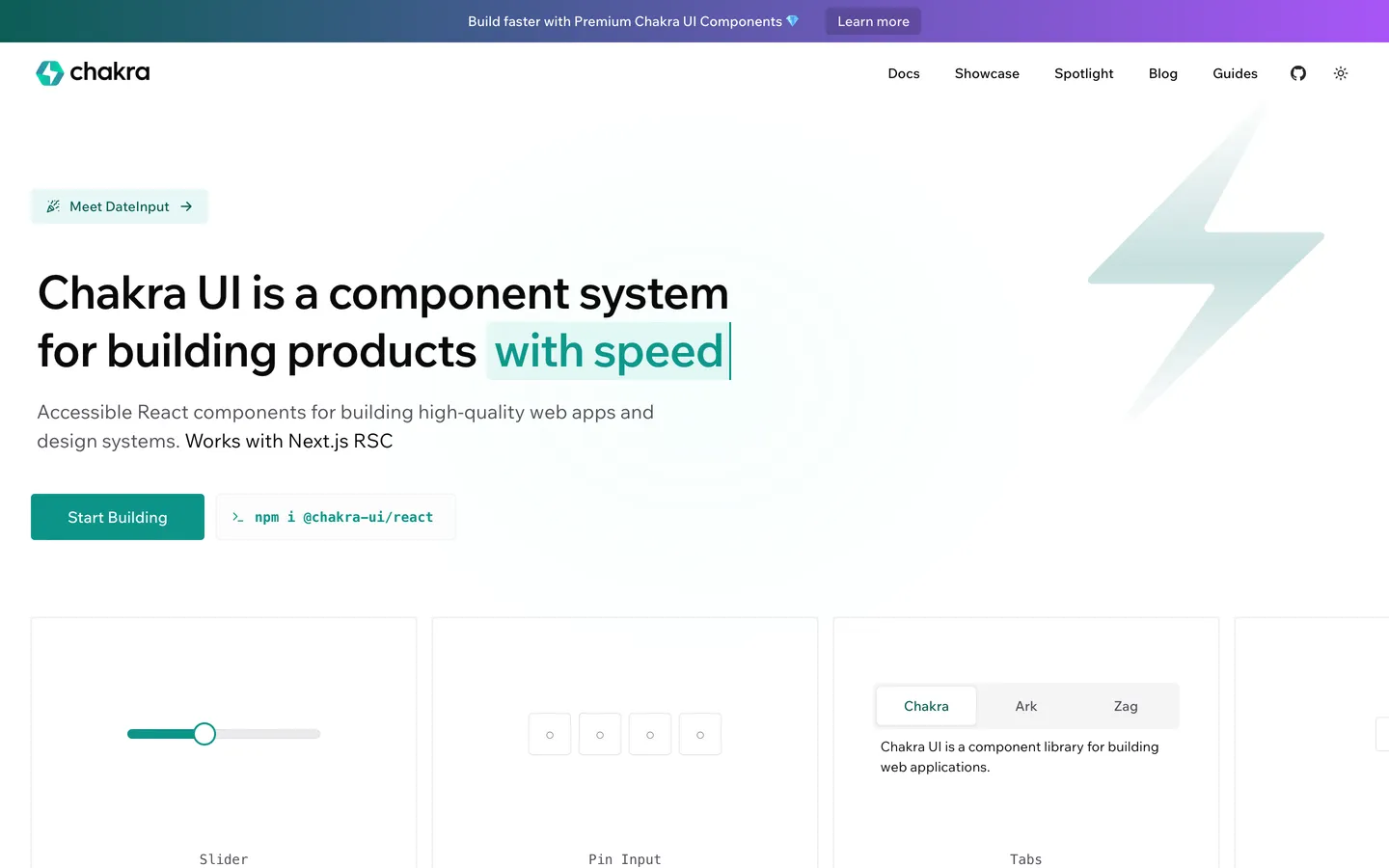
You style Chakra UI components through props and recipes, named sets of style variants, and keep your tokens in TypeScript. Version 3 builds on Ark UI and styles with Emotion. Chakra UI Pro sells 330+ ready-made blocks, five of them for AI.
Chakra UI key features
- Style props and recipes: style any component with props, and define variants once.
- Semantic tokens: light and dark values side by side, in TypeScript.
- Figma kit: an official one, made for version 3.
- Charts on Recharts: 10 chart types.
- MCP server for agents:
@chakra-ui/react-mcp, plus three agent skills.
Pros
- The official Figma kit is free
- A complete token system in TypeScript
- A CLI snippet sets up dark mode, with no code for you to write
- Passed all twelve of our keyboard and ARIA checks
Cons
- Styling runs in JavaScript: Emotion writes the CSS as the page loads
- Matching the exact brand color took us a 45-line custom palette
- Without Pro, you get no AI components
What we noticed: its switch reaches screen readers as a checkbox, because the hidden input underneath isn't marked as a switch. axe flagged the light-mode error text at 3.8:1.
Best for: props-based styling, with tokens kept in TypeScript.
8. Ant Design
- Website
- ant.design
- GitHub
- ant-design/ant-design
- GitHub stars
- 100k
- npm downloads
- 5.0M/week
- License
- MIT
- Pricing
- Free
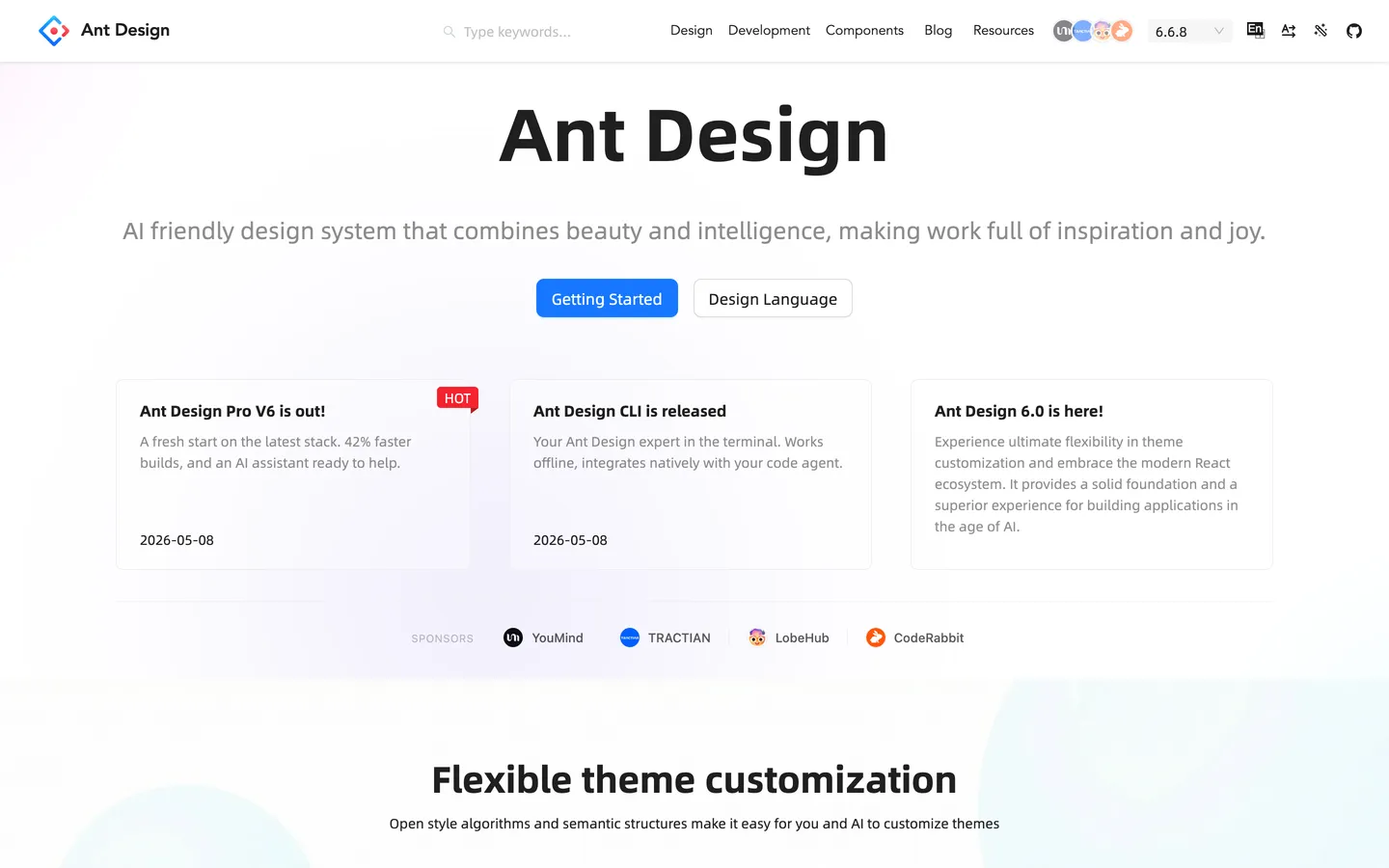
Ant Design grew out of Ant Group's own enterprise products, and its large table, form and date components suit data-dense admin interfaces. Ant Design X adds 17 free AI components for chat interfaces, such as Bubble, Sender, Think and ThoughtChain.
Ant Design key features
- A data-dense component set: 72 components, including a form component and a table with sorting, filters, pagination, row selection and virtual scrolling.
- Ant Design X: 17 AI components for chat interfaces.
- Design tokens: light, dark and compact algorithms through one provider.
- Right-to-left support: one
directionsetting. - Agent tooling: an MCP server in the
antdCLI, a skill and llms.txt.
Pros
- Made for dense admin screens
- Free AI components in Ant Design X
- MIT and free
- Right-to-left layouts from a single setting
Cons
- 309 KB, the heaviest page in our test
- Its Next.js guide needed a workaround on Next.js 16
- Sketch design files, with no official Figma version
What we noticed: one Tab press from the last button moved focus out of the dialog, and axe flagged the select placeholder and the error text for contrast in both themes.
Best for: internal admin tools, with Ant Design X for AI chat.
9. beUI
- Website
- beui.dev
- GitHub
- starc007/ui-components
- GitHub stars
- 1.9k
- npm downloads
- Not on npm
- License
- MIT free tier, commercial Pro
- Pricing
- Free; Pro $129 a year or $179 one-time
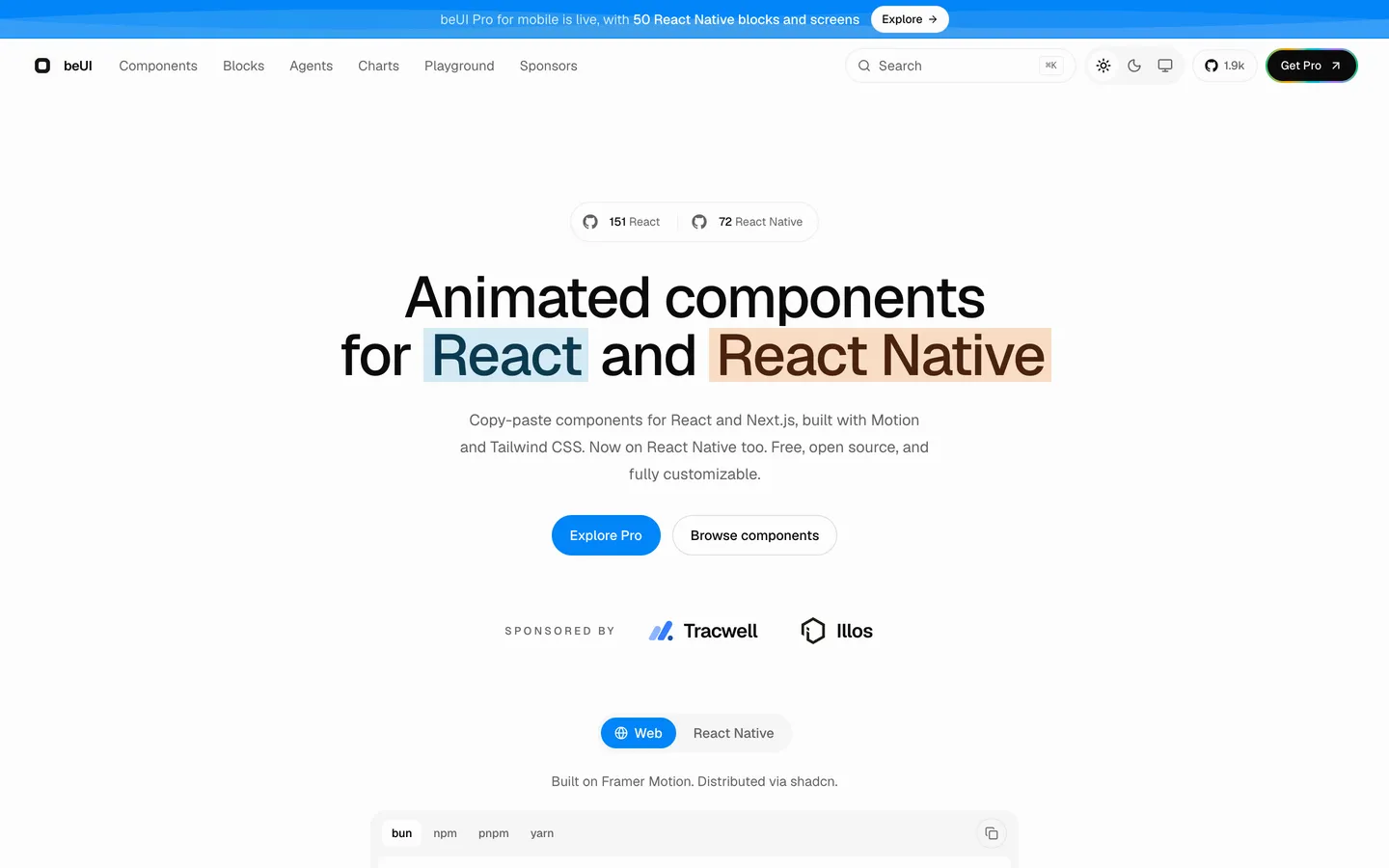
beUI makes components for both React and React Native. The free React ones animate with the Motion animation library and use Tailwind CSS v4 for styling. They install with the shadcn CLI and read shadcn/ui's color tokens, so a shadcn/ui project can use them as they are. beUI writes its own keyboard and ARIA code and doesn't build on a headless library.
If you're building an agent screen, the free library has 18 AI components, such as Prompt Input, Tool Approval, Agent Activity and Voice Orb, next to 56 components, 24 blocks and 17 charts. beUI Pro adds more than 350 web blocks and templates, and 50 React Native blocks and screens.
beUI key features
- Animated by default: components move with Motion, like the morphing modal we used for the dialog.
- 18 free AI components: chat, prompt input, tool approvals and results, agent activity, citations, file diffs and a voice orb.
- Charts and a table: 17 charts drawn with SVG and Motion, and a virtualized table with sorting, row selection and column resizing.
- Made for shadcn/ui projects: components install with the shadcn CLI, as in
npx shadcn@latest add @beui/button-base, and use shadcn/ui's color tokens. - A hosted MCP server: coding agents also get a skill and llms.txt.
Pros
- The cleanest accessibility results in our test
- At 216 KB, the lightest page in our test
- 18 AI components and 17 charts without buying Pro
- React Native components from the same team, for mobile apps
Cons
- The Select takes no label, so you add your own
- Pressing Escape to dismiss a select closes the whole dialog
- Every dialog is an animated modal
- Your designers start without a Figma kit
What we noticed: axe found nothing, all twelve keyboard and ARIA checks passed, and no text fell below 4.5:1 contrast. beUI has no plain dialog, so we used its Center Morph Modal, and its Select takes no label, so we wrapped it in one ourselves. Pressing Escape in the open select closed the whole dialog instead of just the list.
Best for: adding motion and free AI screens to your product, on the web and in React Native.
10. PrimeReact
- Website
- primereact.dev
- GitHub
- primefaces/primereact
- GitHub stars
- 8.3k (v10 repo)
- npm downloads
- 450k/week (6% on v11)
- License
- PrimeUI license (v11)
- Pricing
- Free Community key for small teams; Commercial $599 per developer, one-time (launch price, $799 list)
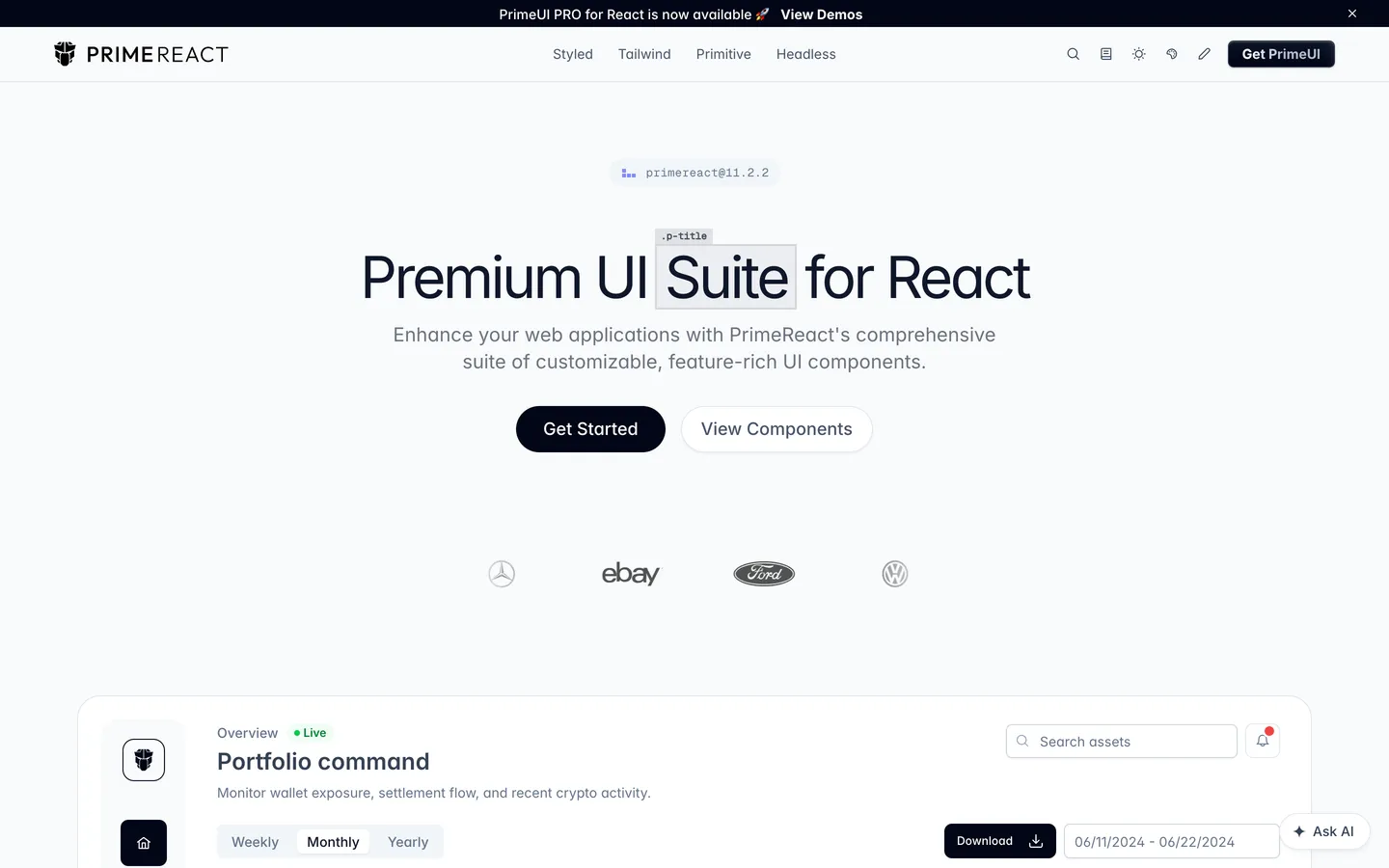
PrimeReact ships 78 styled components, a DataTable among them, in one package. Version 11 also changed its license: versions up to 10.9.9 stay MIT, and version 11 needs a PrimeUI key. Small teams that qualify get a free Community key, with fewer than five developers, fewer than ten employees and under $1M in revenue among the conditions. Other teams pay $599 per developer for the Commercial license, one-time, until 31 December 2026 ($799 list).
PrimeReact key features
- 78 styled components: with themes such as Aura, Material and Lara.
- DataTable and TreeTable: sorting, filtering, editing, grouping and CSV export.
- Four modes: styled, Tailwind, unstyled primitives and headless hooks.
- Dark mode by default: components follow the system.
- For coding agents:
@primereact/mcpand six agent skills.
Pros
- One install command brings in 78 styled components
- A DataTable that sorts, filters, edits and groups
- Dark mode without configuration
Cons
- Upgrading to version 11 means leaving open source
- Until you add a key, every page shows a license badge
- Without the Commercial license, charts cost $399 per developer
- 10 of 12 keyboard and ARIA checks in our test
What we noticed: without a key, every page showed an "Invalid PrimeUI License" badge. The dialog set no aria-modal and left the page behind it exposed to screen readers, the field error wasn't linked to its input, and axe flagged the toast's unnamed close button.
Best for: 78 styled components from one package, if you qualify for the Community key or buy a license.
Which React design system should you choose?
- An AI or agent product: BoardUI, our own, though most of its agent components need Pro. If you're already on shadcn/ui, add its free AI Elements, or agent components from affectUI or beUI.
- Starting a design system of your own: shadcn/ui.
- Your designers work in Figma: Untitled UI React.
- React Aria as an npm dependency: HeroUI.
- Free components with hooks and a form library: Mantine.
- Admin panels full of tables and filters: Ant Design.
If accessibility comes first, start from a library on React Aria, such as HeroUI, Untitled UI React or BoardUI, and check text contrast against your own colors whichever you pick.
Frequently asked questions
What is the best React design system in 2026?
We pick BoardUI, our own, for AI and agent products. If you want to design your own system and own every line, start with shadcn/ui. Ant Design suits data-dense admin screens. For one free kit with hooks and forms, pick Mantine.
What's the difference between a design system and a component library?
A design system is a component library plus the decisions about how it looks, such as tokens, type and spacing. React Aria Components, Base UI and Radix are unstyled component libraries, and BoardUI, Untitled UI React and Ant Design are design systems.
What are the best shadcn/ui alternatives?
BoardUI, which is ours, and Untitled UI React copy source into your repo the way shadcn/ui does, and both build on React Aria and Tailwind CSS v4. HeroUI has the same React Aria base and a finished look, and you update it from npm. affectUI and beUI work more as add-ons to shadcn/ui: both install through its CLI, and affectUI recommends shadcn/ui for forms and dialogs.
What are the best MUI alternatives?
Try Mantine for a free kit of 121 core components, Chakra UI if you like styling with props, or Ant Design if your app is built around tables and forms. If you want Tailwind CSS v4, BoardUI, shadcn/ui, HeroUI, Untitled UI React and beUI all use it.
Which React design system works best with Claude Code or Cursor?
BoardUI, shadcn/ui, Untitled UI React, affectUI and beUI put the component source in your repo, where your coding agent can edit it. All ten publish an official MCP server, so the agent can look up components and examples in any of them. Several ship instructions for agents too: BoardUI's init writes design rules for Cursor and your AGENTS.md, HeroUI's heroui agents-md downloads its docs and adds an index of them to AGENTS.md, and Untitled UI React publishes an AGENT.md. BoardUI's CLI asks before it writes files, so an agent running it in a shell passes --yes.

Build dashboards and agentic interfaces with BoardUI
103 React and Tailwind CSS components, 19 chart cards and 10 Pro templates. Install them with one command and own every line of the source.