Design with an agent that has taste
Give it a go. Just type what you’re looking for and our agents
will design it for you.


Join waitlist for early access
Bring your favorite agents into Canvas and start designing together. Push updates to your repo when you’re ready.
You're on the list.
a design canvas should act like one
Give it a go. Just type what you’re looking for and our agents
will design it for you.
Just select a part of the UI and let the agent create the motion for you.
Later, fine-tune the animation with sliders until it feels right.
Pull your existing components and pages into Canvas, edit them and push them back to GitHub.
Turn on the skills you trust, or add your own. Your agents follow them in every design.
Create all kinds of glass effects, edit existing shaders or ask your agent to make a new one.
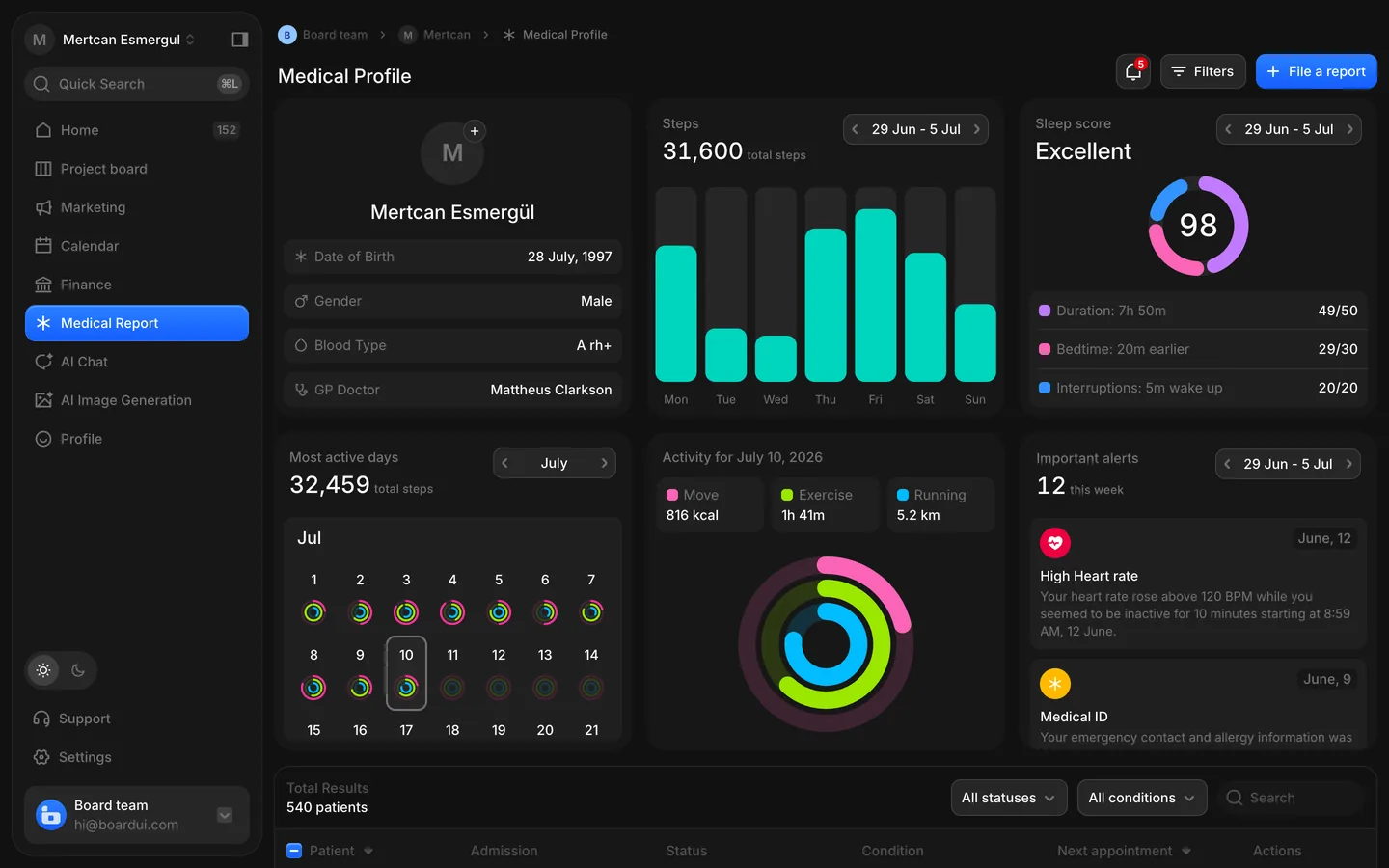
 medical report dashboarddesktop


Bring your current agent to the chat or use the MCP
to start designs from wherever you prefer.
Create your own design system or pull your existing one into Canvas.
Keep designing with what you have, iterate and push back to production.
You need to change the layout of the grid or
change some paddings or gaps? well, it’s easy.
Do you call it typeface or font? well doesn’t matter.
You can define fonts sizes in px, rem, em, % or ch.
Be precise as possible, design icons with pen tool
or let your agent design and animate it for you.
You're on the list.
First come, first served. Join early to get access early.
Builders who design and ship their own product: designers, developers and founders. You design on a real canvas with your agents beside you, then push what you made to your repo.
Yes. Bring the agent subscription you already pay for into the chat, or connect it through the MCP and start designs from wherever you work.
From Figma, yes. Copy a frame in Figma and paste it into Canvas: it arrives as layers you can edit, with its auto layout, components and fonts. Importing a live website is not available yet.
Yes, both ways. Paste a Figma frame into Canvas to keep working on it here, and export a Canvas frame back to Figma as editable layers when your team needs it there.
Your code stays in your GitHub repository. Canvas reads the components you connect so you can design with them, and pushes changes back only when you ask it to.